Download & Play
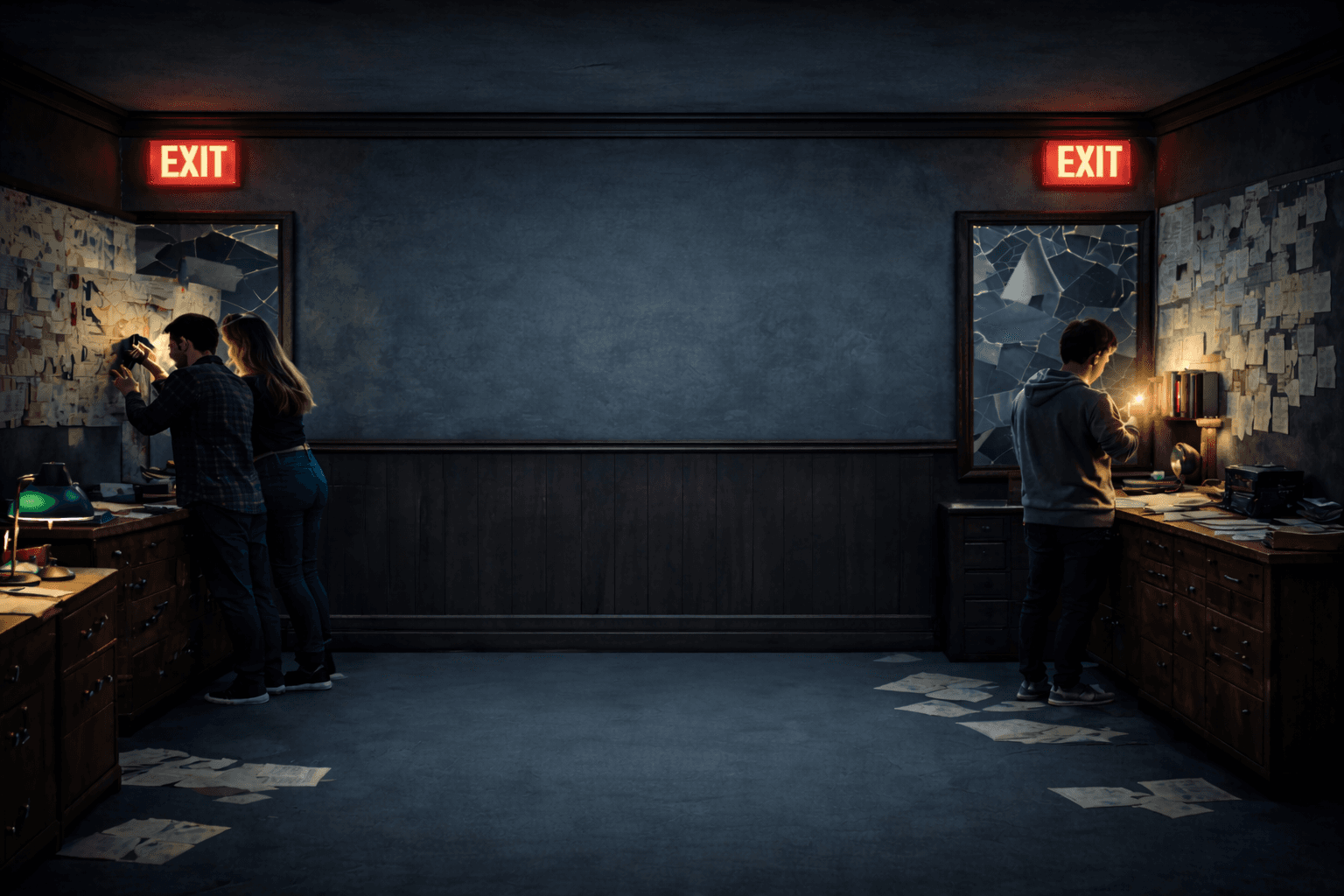
Ready to challenge your wits? Download the game client and start your escape.
Installation Guide
1
Download
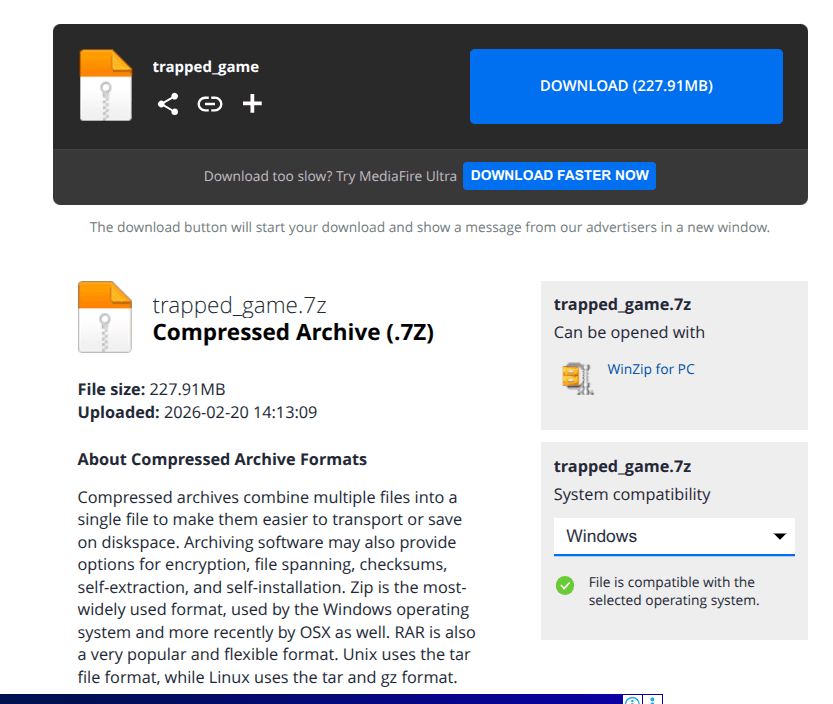
Click the download button on the webpage, followed by download button on the Mediafire page to start downloading the game archive.
2
Navigate to the Downloaded Files
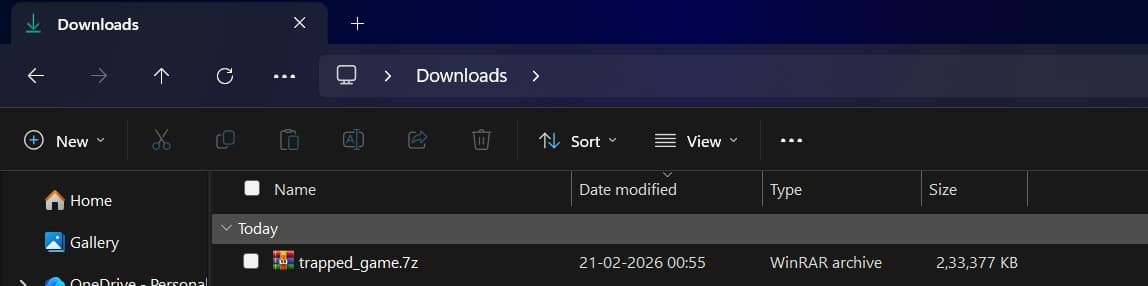
Go to your Downloads Folder or wherever you have downloaded the trapped_game.7z file.
3
Extract the Files
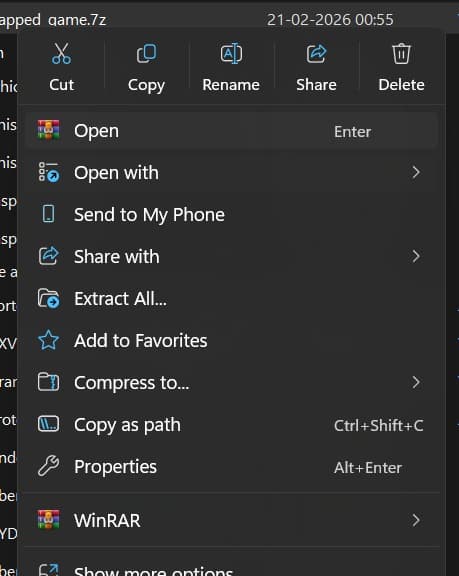
Right Click on the file and click "Extract All".
4
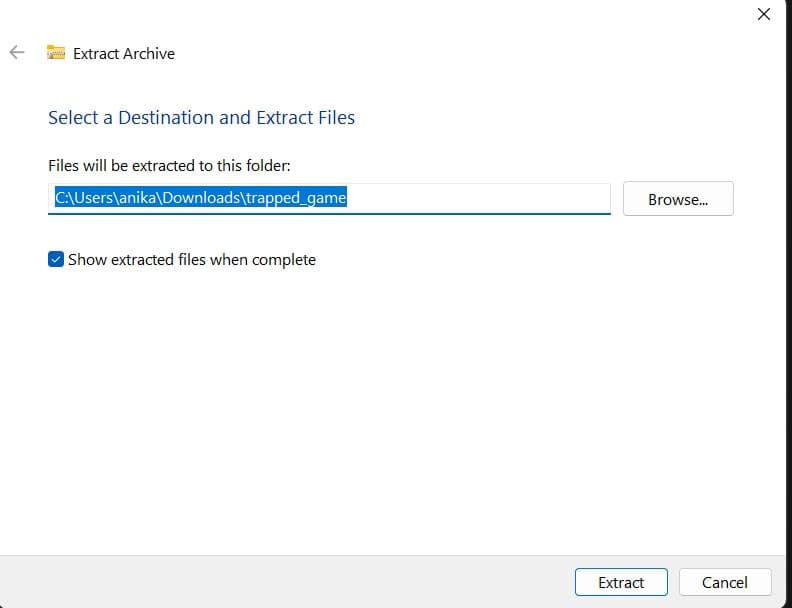
Extract Archive
From the Extract Archive Dialog box, leave the default options, and click the Extract button.
5
Find the extracted Folder
Navigate to the folder that you just extracted with the name "trapped_game".

6
Find and Double Click the executable
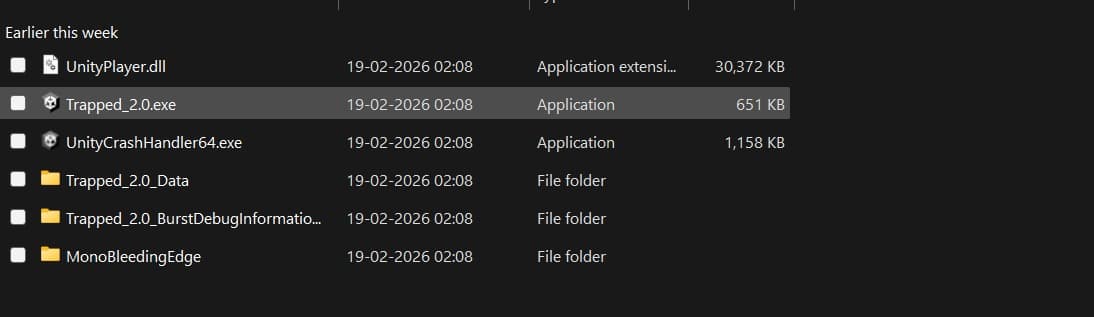
Open the "trapped_game" folder until you see "Trapped_2.0.exe". Double click and run it. All the best!